
Random Animal Generator logo

Random Animal

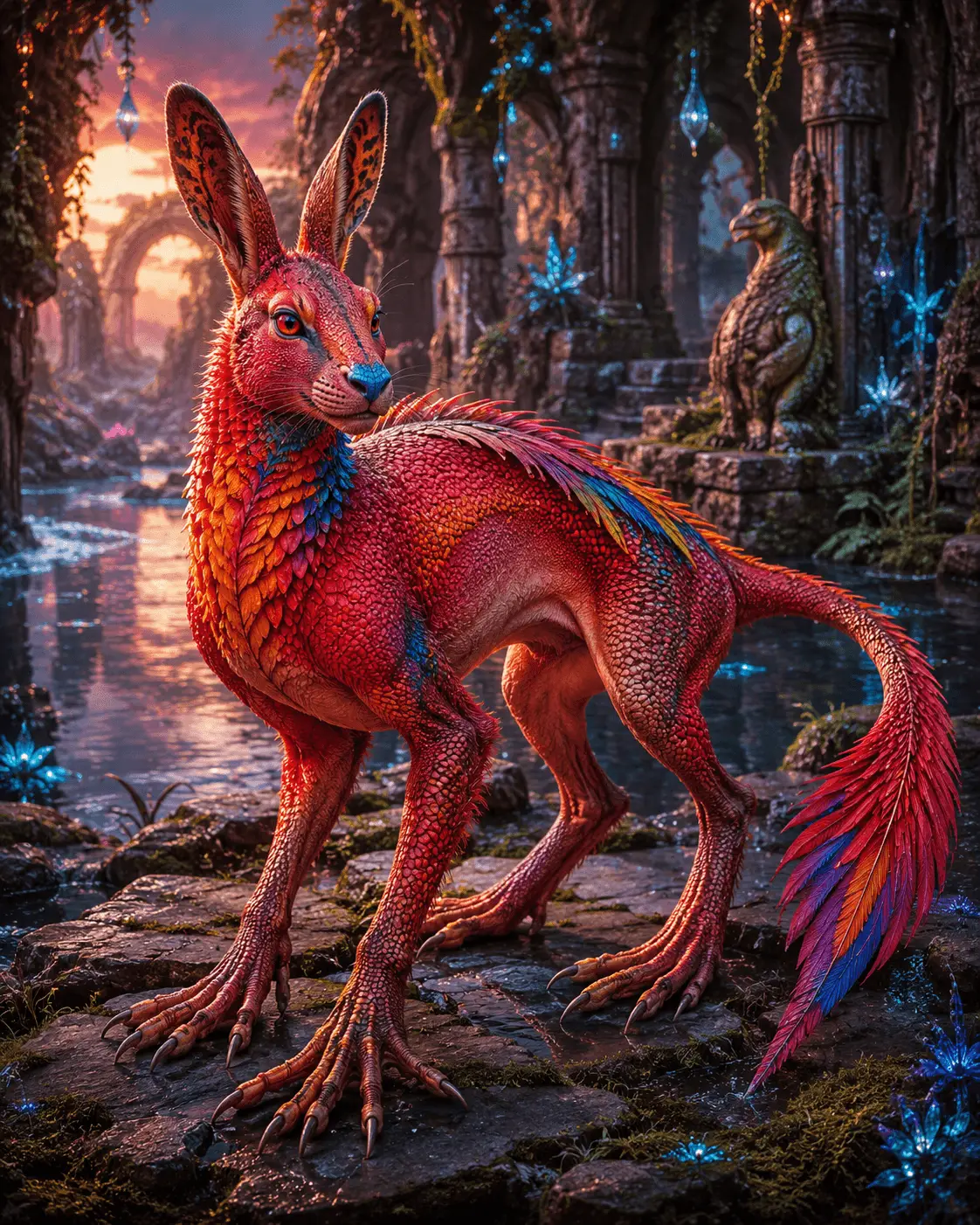
Example hybrid creature created with the Tuimiz random animal generator
11-Part Creature Maker

Random Animal Generator by Tuimiz

Create a Random Creature from 11 Animal Parts

FreeNo Download11 Body Parts

Create an original fantasy animal by randomly mixing 11 body parts. Generate a complete creature, lock the traits you like, reroll the rest, and copy a drawing or AI art prompt. Free in your browser, with no download required.

An independent Tuimiz-inspired tool. Not affiliated with or endorsed by Tuimiz.

Creature Parts

0/11
Tap to roll
Tap to roll
Tap to roll
Tap to roll
Tap to roll
Tap to roll
Tap to roll
Tap to roll
Tap to roll
Tap to roll
Tap to roll

How it works

Generate all 11 parts, lock the ones you like, then roll the rest. Copy a drawing prompt, AI image prompt, or short prompt from the same result.

Example creature artwork β€” your generated result is shown in the parts list

Example creature artwork β€” your generated result is shown in the parts list.

Drawing tip

Start from the creature summary and keep the overall shape clear. Then decide if coat and colour stay realistic, or if the extra detail becomes the fun twist.

Random Creature Generator

What Is the Random Animal Generator by Tuimiz?

This is a free, unofficial creature generator you can use in a browser. It follows the 11-part Random Animal Generator idea linked with Tuimiz: instead of one real species, you mix animal features into a hybrid of your own. Reroll any part, lock the ones you like, and copy the result as a drawing reference or an AI image prompt.

This independent animal generator by Tuimiz is a simple random creature generator for artists β€” not an official Tuimiz product.

An independent Tuimiz-inspired tool. Not affiliated with or endorsed by Tuimiz.

Want one random animal instead of a mixed creature? Try the Random Animal Generator homepage.

How Are the Animal Parts Randomized?

Each body part has its own set of animals. When you roll, that part picks one. Locked parts stay; the rest roll again.

The mix is chosen in your browser. No AI picks the parts, and this page does not draw the finished creature for you.

Does the Generator Create an Animal Image?

No. You get a written mix of parts, not a picture of the hybrid. Draw it yourself, or paste the AI prompt into another tool.

If a part has a reference photo, that photo is the source animal β€” not the mixed creature you rolled.

Tuimiz-Style Generator Online: No Download Required

The original desktop tool inspired this page. This is an independent version you can open in a browser. It is not an official online edition.

Original desktop toolThis page
Based on the original Tuimiz 11-part ideaIndependent version in your browser
Traditional 11 body partsThe same 11-part mix
Desktop onlyWorks on phones and computers
Random part selectionAdds locks, copyable prompts, and share links

How to Use This Random Creature Generator

  1. 1. Generate all 11 parts, or tap one part at a time.
  2. 2. Lock the parts you want to keep, then roll only the unlocked ones.
  3. 3. Read the creature summary once every part is filled.
  4. 4. Copy Drawing Prompt to sketch, Copy AI Prompt for image tools, or Copy Short Prompt for chats. Share if you want the same creature later.

A common approach is base body first and the extra detail last, so the final twist finishes the design instead of taking it over.

Create a Fantasy Animal from Random Body Parts

A normal random animal picker gives you one species. This fantasy animal generator works differently: it mixes body parts one by one, so you get stranger hybrids that still work as drawing prompts and creature design ideas.

Keep the overall shape clear first, then decide how to handle coat, colour, and the extra detail. That order keeps wild hybrids fun to draw instead of confusing.

Drawing challenge ideas

Creature Drawing Challenge Ideas

Speed sketch

Set a ten-minute timer. Sketch only the silhouette, head, and one texture before adding details.

β€œGive a deer base, crab legs, feather coat, and long tail one clean silhouette.”

Character design

Turn one roll into a protagonist, familiar, or rival. Keep the base body readable, then let the extra trait suggest the story.

β€œA fox-bodied courier with owl eyes, moth antennae, and a lantern-tail.”

D&D and worldbuilding

Use the parts as a monster idea: pick a habitat, one defensive habit, and one unusual ability from the extra detail.

β€œA swamp guardian with a boar head, otter tail, reed coat, and a call that fogs the marsh.”

Related Random Animal Tools

If you want a simpler one-click discovery tool, try the Random Animal Generator homepage first.

For a real species with pose, viewpoint, and timer rules, open the Random Animal Generator for Drawing.

To explore dragons, kitsune, and other traditional legendary beings, try the Mythical Creature Generator.

Need ocean silhouettes for hybrid inspiration? Browse the Random Sea Animal Generator.

For familiar livestock body plans, try the Random Farm Animal Generator.

For wings, beaks, and plumage ideas, open the Random Bird Generator.

For fins, scales, and freshwater or saltwater forms, browse the Random Fish Generator.

To ground a creature concept in real biology, explore Random Animal Facts.

Tuimiz Generator FAQ

What is the Random Animal Generator by Tuimiz?

It is a free unofficial creature maker you can use in a browser, inspired by the 11-part Tuimiz idea. Instead of picking one species, it mixes animal features into a hybrid you can draw or turn into a prompt.

Is this the official Random Animal Generator by Tuimiz?

No. This is an independent Tuimiz-inspired tool. It is not affiliated with or endorsed by Tuimiz.

What does the Tuimiz random animal generator roll?

It rolls 11 parts: base, head, ears, eyes, nose, legs, feet, tail, coat, colour, and extra. The mix is made in your browser.

How are the animal parts randomized?

Each part has its own set of animals. A roll picks one for that part. Locked parts stay; the rest roll again. The tool does not use AI to choose the parts.

Is this an AI image generator?

No. You get a written mix of parts, not a finished picture. Copy Drawing Prompt to sketch, Copy AI Prompt for another image tool, or Copy Short Prompt for chats.

Can I lock parts and reroll the rest?

Yes. Generate all parts, lock the ones you want to keep, then roll only the unlocked parts until the creature feels right. You can also copy a share link to open the same creature later.

Can I use it for a random animal challenge?

Yes. It works well for hybrid animal drawing challenges, speed sketches, creature design warmups, and classroom art prompts.